
How to write Thai prompts Claude actually gets
Techniques for prompting Claude in Thai, updated for November 2026 in line with Anthropic prompting guidance, with real prompt examples for content work.
By Nattapon YongpaiboonCo-founder, Claude Thailand Community
How well does Claude understand Thai?
Claude reads, writes, and understands Thai in context well. You can prompt it in Thai directly, with no need to translate into English first. The results get much better, though, when you give it complete information.
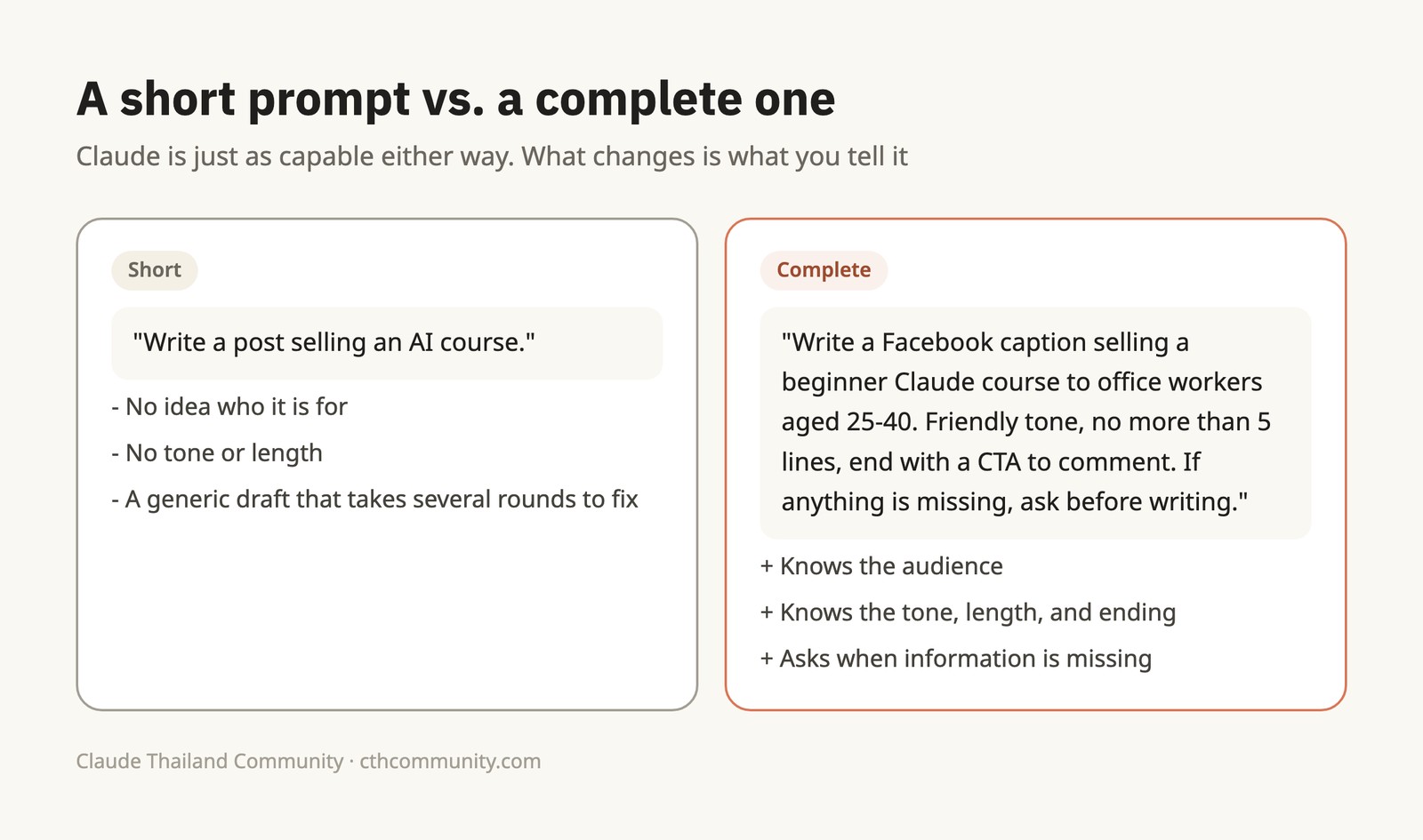
Claude is just as capable either way. What changes is what you tell it.
6 techniques for Thai prompts
- Set the register. “Write casually” and “write formally” produce very different Thai
- Name the audience, for example “for SME owners who aren’t comfortable with technology”
- List words to avoid or use, for example keep “AI” as a loanword instead of the formal Thai term
- Show past work. Paste a post you liked and ask for the same style
- Separate data from instructions. When you attach long input, wrap it in tags such as
<product_info>...</product_info>, then write the instructions. Claude can tell which part is data and which part is the task - Ask it to ask back. Add “if anything is missing, ask before writing”
These match the principles in Anthropic’s prompting guide: be clear and direct, add context, use examples, and structure prompts with tags.
Example prompt for content work
The prompt below is in Thai, as you would send it to Claude:
เขียนแคปชั่น Facebook ขายคอร์สสอน Claude สำหรับมือใหม่
- กลุ่มเป้าหมาย: พนักงานออฟฟิศอายุ 25-40 ที่อยากใช้ AI ช่วยงาน
- โทน: เป็นกันเอง มีอีโมจิพอประมาณ ไม่ขายแรง
- ความยาว: ไม่เกิน 5 บรรทัด จบด้วย CTA ให้คอมเมนต์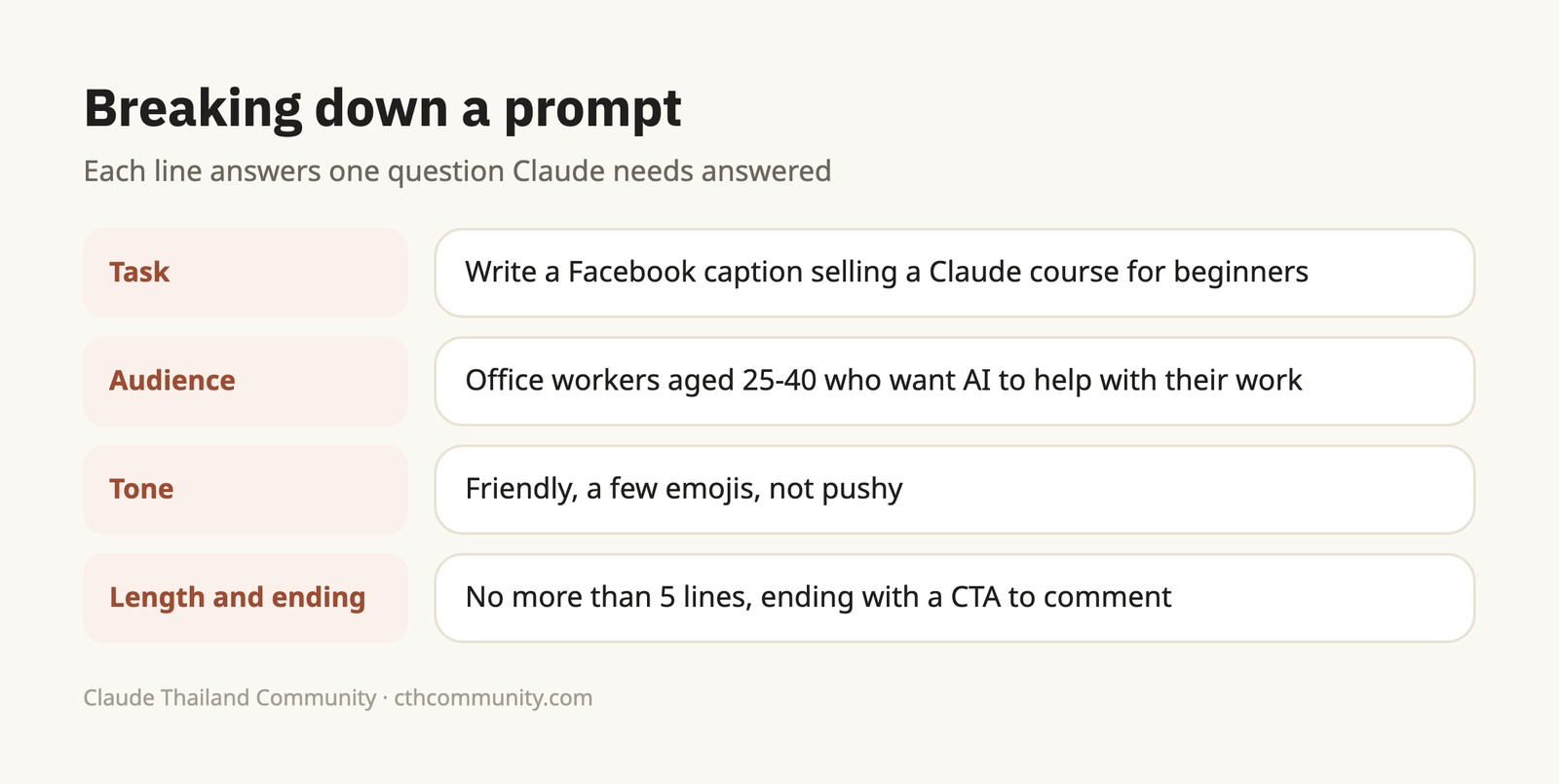
Example with long input attached
<ข้อมูลคอร์ส>
Course name, price, length, and what students get (paste the real details here)
</ข้อมูลคอร์ส>

<โพสต์ตัวอย่าง>
Paste one or two past posts you liked here
</โพสต์ตัวอย่าง>

จากข้อมูลคอร์สด้านบน เขียนแคปชั่น Facebook 3 แบบ
ใช้สไตล์เดียวกับโพสต์ตัวอย่าง ไม่เกิน 5 บรรทัดต่อแบบ
ถ้าข้อมูลไม่พอ ให้ถามก่อนเขียน
The Thai instruction at the end asks for three Facebook captions based on the course details, in the same style as the example posts, no more than 5 lines each, and to ask first if anything is missing.
Try adapting these, then share your results in the group. If you’re new to Claude, start with Getting started with Claude.
Get it by email
New articles, Claude updates and community event announcements. Sent occasionally, never often enough to annoy you.
The newsletter is written in Thai